
EasyFinance · Android
by ThinkFlow
Your money, clearly managed.
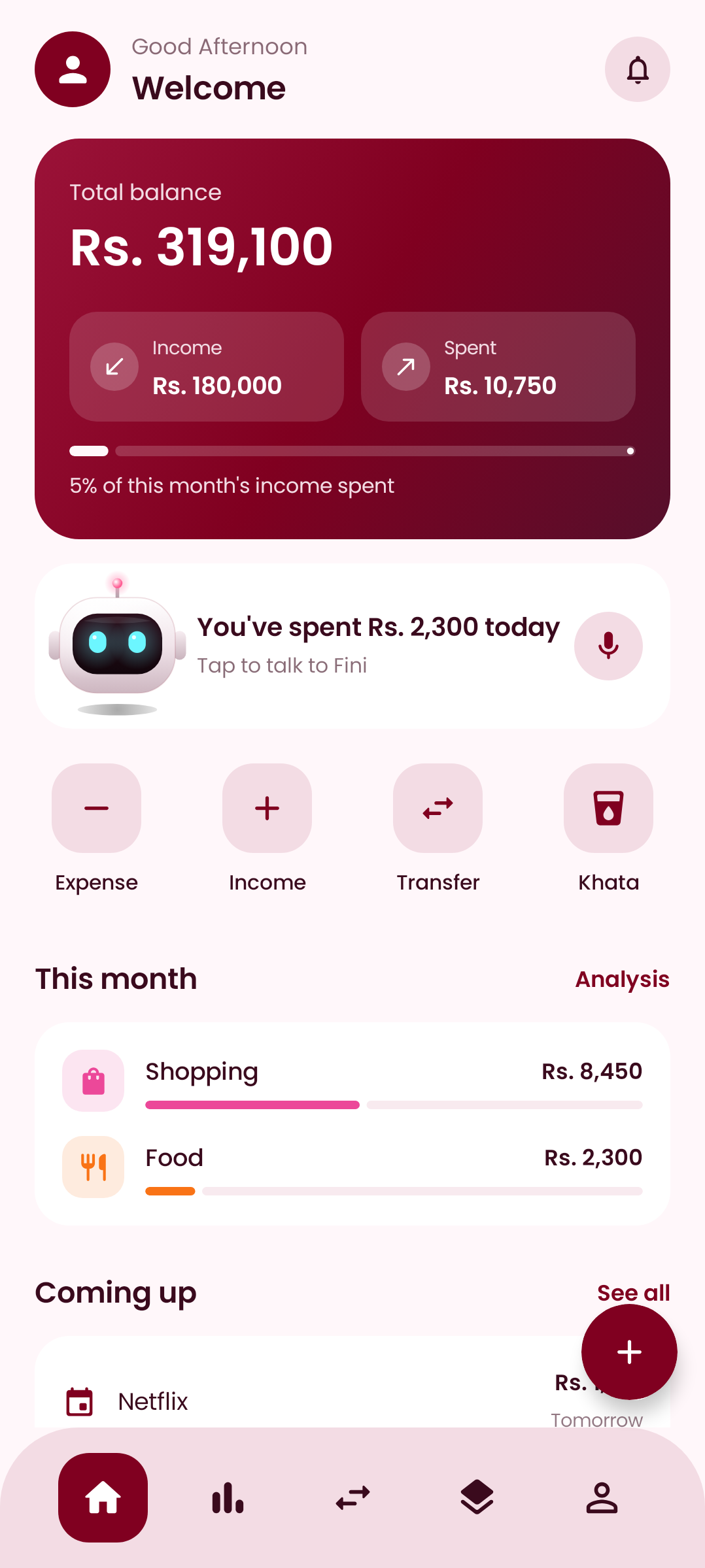
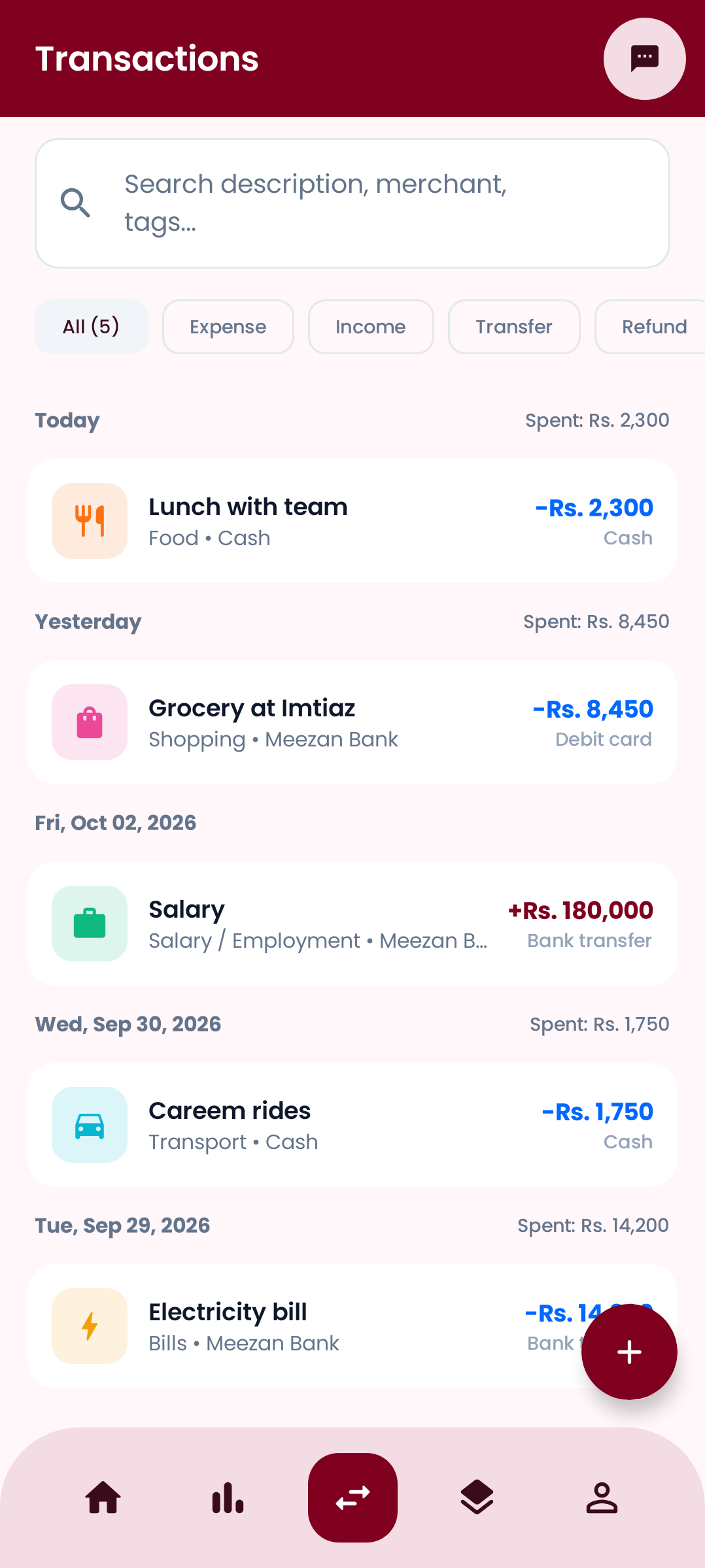
EasyFinance tracks spending, budgets, bills and your daily Khata in one simple app made for Pakistan, with transactions that add themselves and a friendly voice companion.
Features
Everything your money needs, nothing it doesn't
Transactions that add themselves
PremiumPayments, transfers, card taps, bills and mobile packages are picked up from your bank, JazzCash, Easypaisa and SMS notifications, with one-tap Undo. OTPs and promotions are ignored.
Daily Khata, finally easy
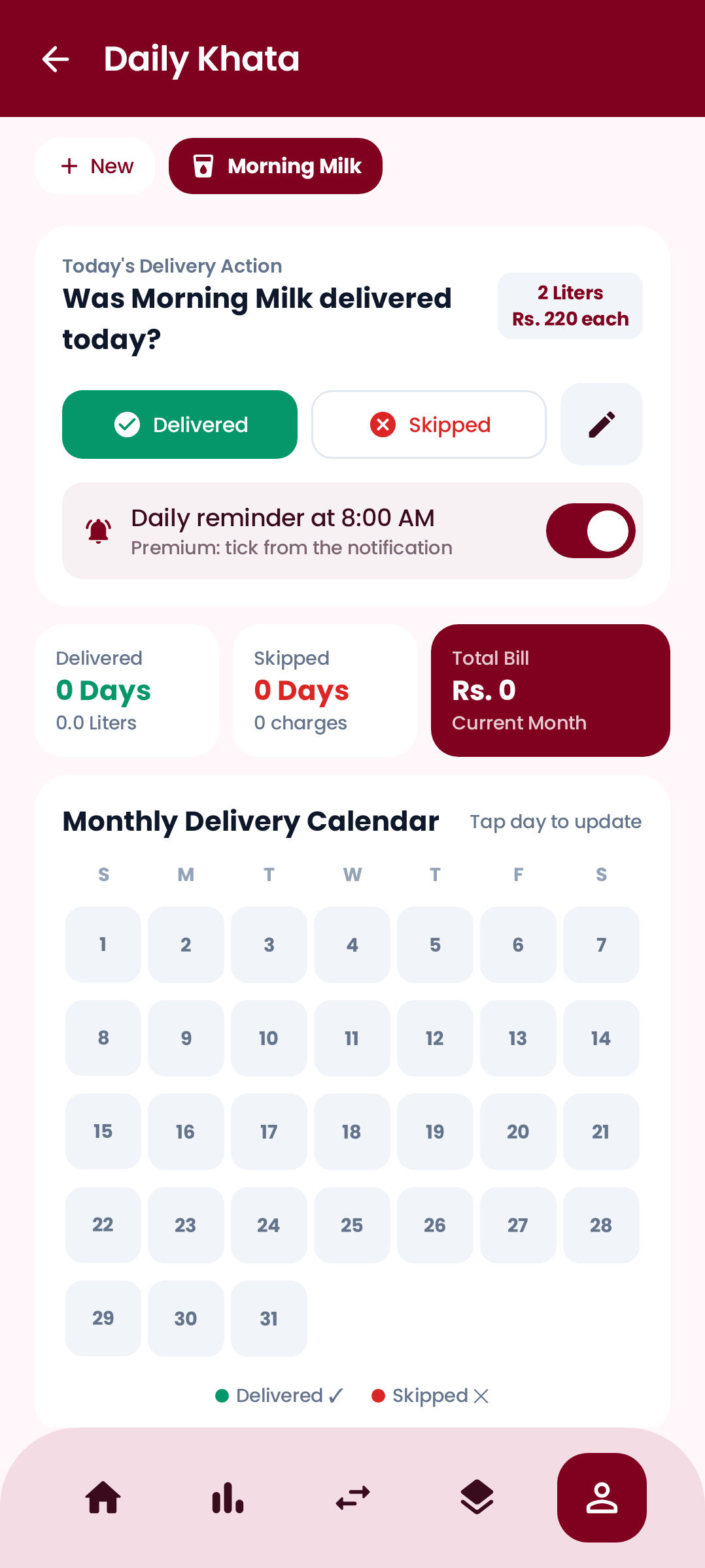
Milk, newspaper or water delivered every day? Tick Delivered or Not delivered from a notification, and get the month's bill automatically on the last day.
Budgets that warn you early
Set a monthly limit per category. EasyFinance alerts you at 85% and when you go over, so there are no surprises at month end.
Bills and subscriptions under control
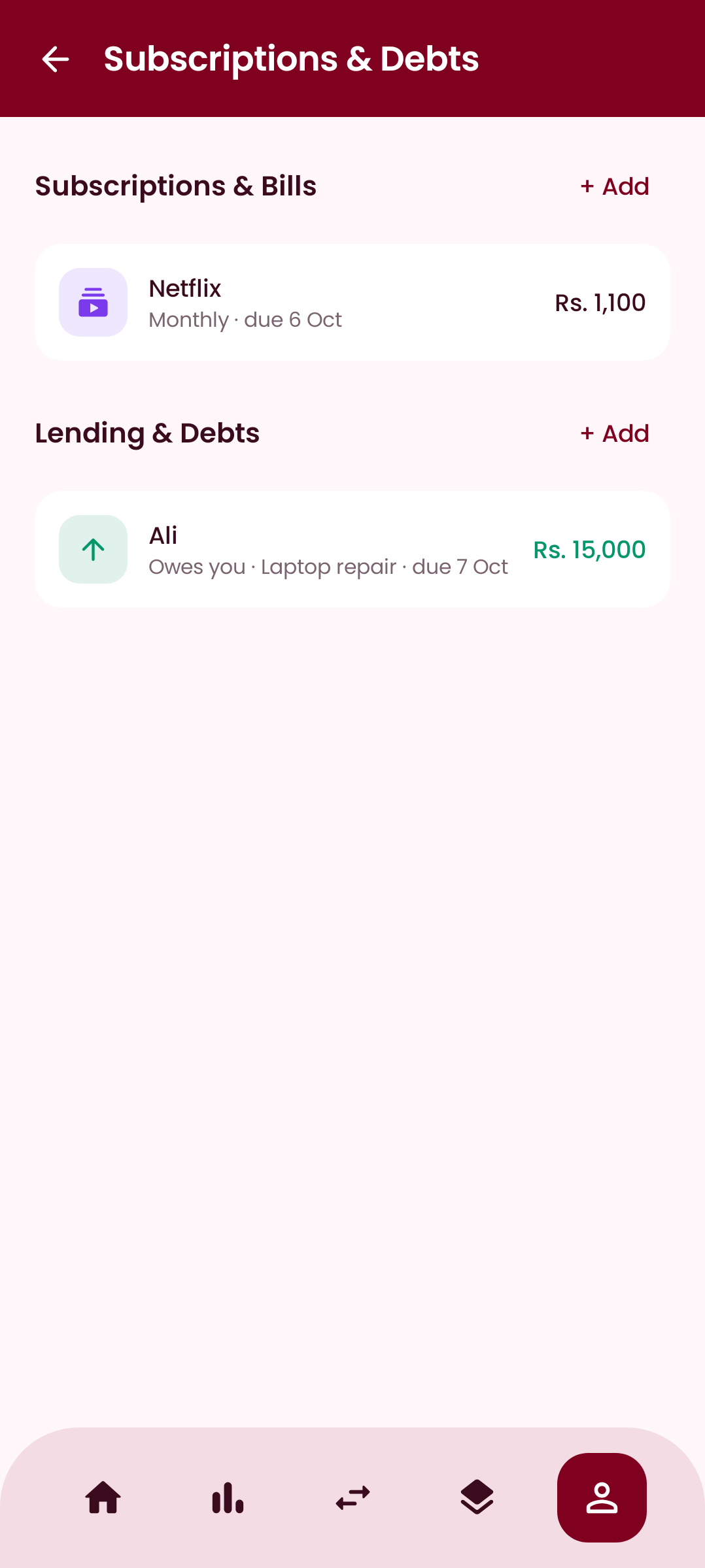
Get a reminder a day before Netflix, internet or rent renews. Keep it, mark it paid, or note that you cancelled it, right from the notification.
Lending and borrowing
Record money you lent or borrowed, add due dates and log repayments. Wallet balances update automatically.
Live PSX and US markets
PremiumFollow KSE-100, PSX stocks and US shares, track your portfolio value and get alerts when a price hits your target.
Meet Fini
A money buddy you can talk to
Say “Aaj 500 ka petrol dalwaya” and Fini adds it. Ask “Is mahine kitna kharch hua?” and get the answer out loud. Fini opens over any app from the notification, the Quick Settings tile or a home-screen widget, and remembers what you tell it to give better answers over time.
- • Urdu, Roman Urdu and English
- • Adds transactions and marks Khata by voice
- • Totals, balances, upcoming bills and saving tips

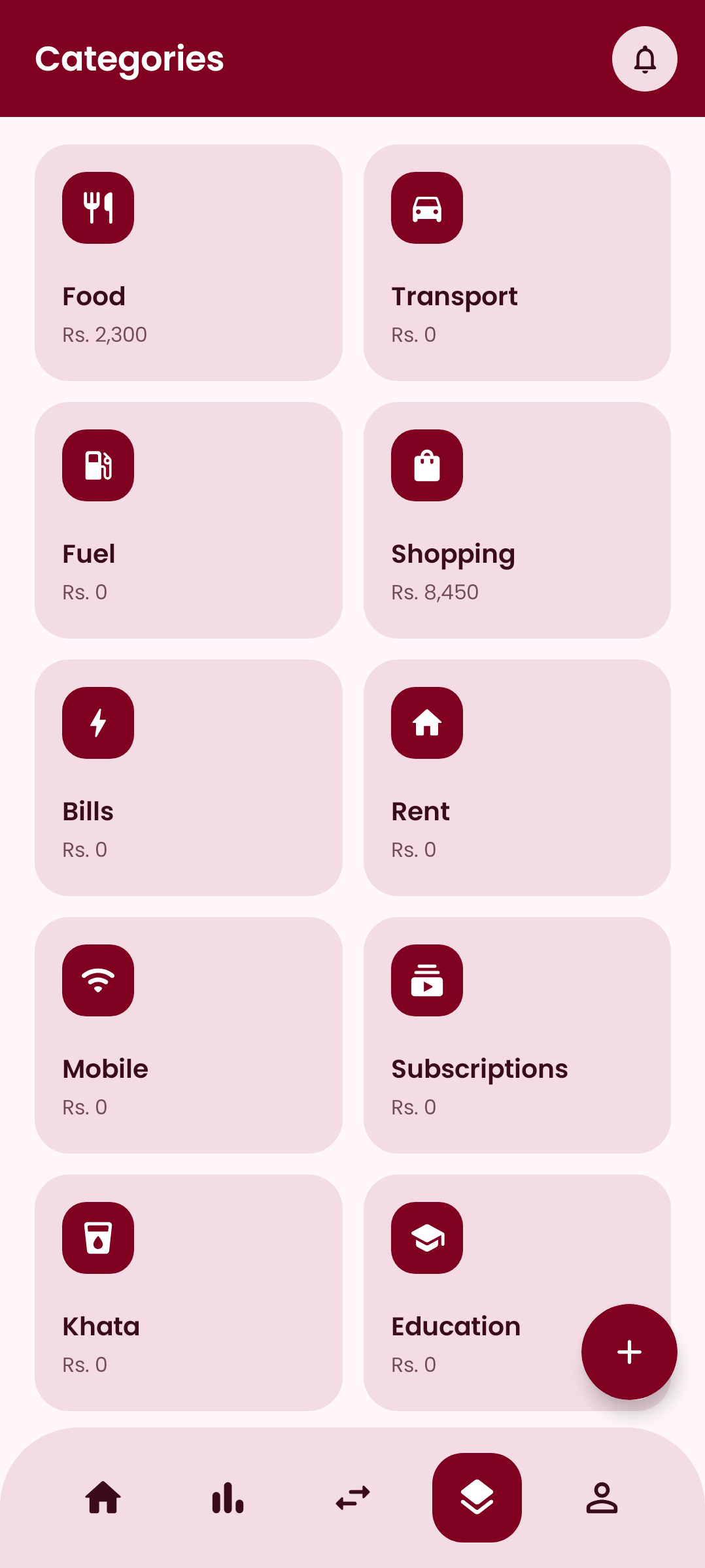
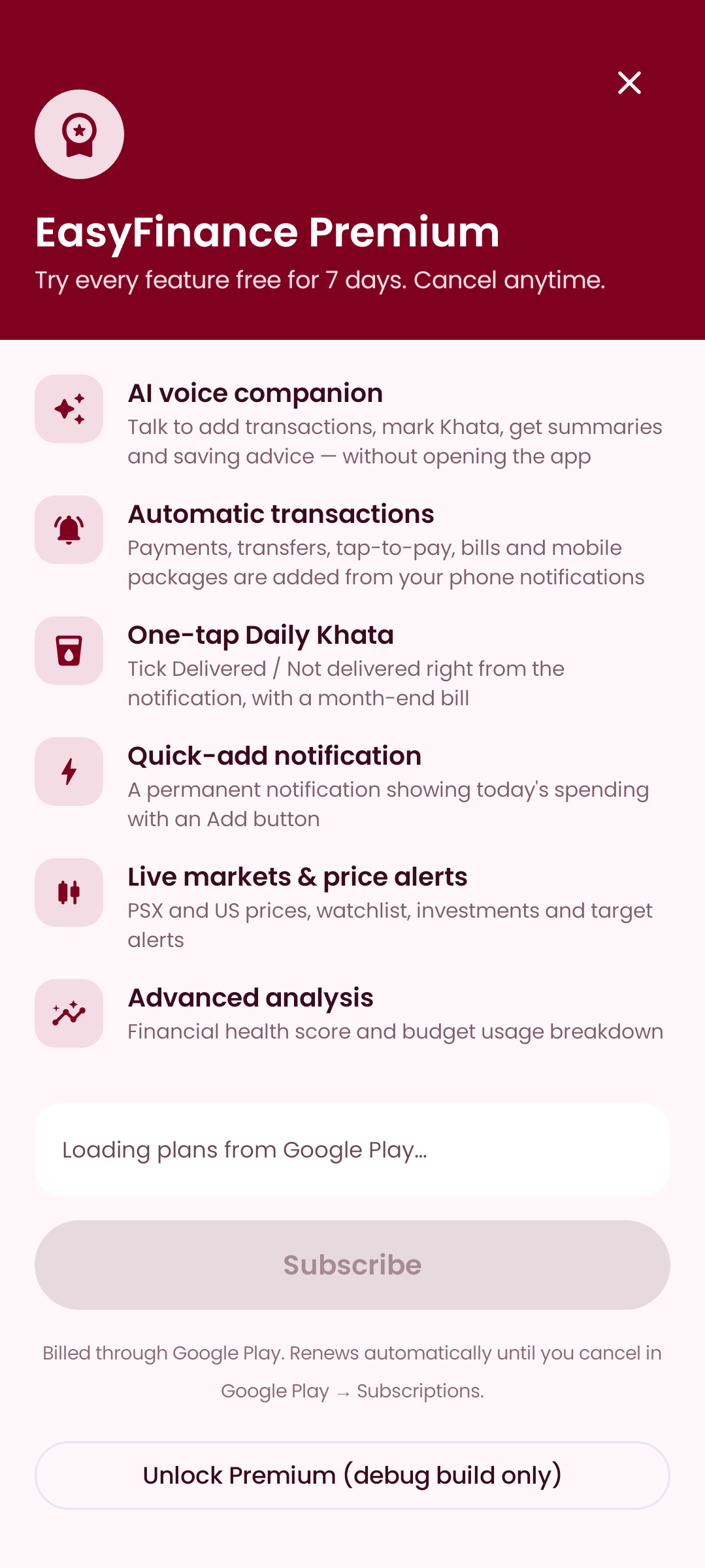
A closer look
Designed to be obvious
Pricing
Free to use. Premium when you want more.
Free
Everything you need to track your money.
- ✓Unlimited transactions and wallets
- ✓Budgets, savings goals and categories
- ✓Bills, subscriptions and debts with reminders
- ✓Daily Khata with a daily reminder
- ✓Monthly analysis and charts
- ✓Secure cloud backup and sync across phones
- ✓Fingerprint lock
Premium
7-day free trialMonthly or yearly through Google Play. Cancel anytime.
- ✓Everything in Free
- ✓Fini, the AI voice companion
- ✓Automatic transactions from notifications
- ✓One-tap Khata from the notification
- ✓Quick-add notification with today's spending
- ✓Live markets, investments and price alerts
- ✓Financial health score and budget breakdown
Questions
Does EasyFinance make payments or move my money?+
No. EasyFinance never pays, transfers or cancels anything. It only records what happens so you always know where your money goes.
How does automatic detection work, and is it private?+
If you turn it on, Android lets EasyFinance read notifications shown on your phone. Notification text is processed on your phone only; just the detected amount, merchant, category and reference are saved to your account.
Who is Fini?+
Fini is EasyFinance's friendly robot companion. Talk or type in Urdu, Roman Urdu or English to add transactions, mark Khata, hear totals and upcoming bills, or get saving tips. Fini uses Google's Gemini AI to understand you.
Is my data backed up?+
Yes. Your data is stored securely in your account in Google Cloud (Firebase) and syncs across every phone you sign in on. The app also works offline.
How much does Premium cost?+
Premium is available monthly or yearly through Google Play, with a 7-day free trial for new subscribers. Prices are shown in Google Play before you subscribe, and you can cancel any time in Google Play → Subscriptions.
How do I delete my account?+
In the app go to Profile → Settings → Delete Account. This permanently removes your account and data. You can also request deletion by email.
Read the Privacy Policy, Terms of Use or learn how to delete your account.