
Loupe · Chrome extension
Developer tools · by ThinkFlow
Every pixel, exactly.
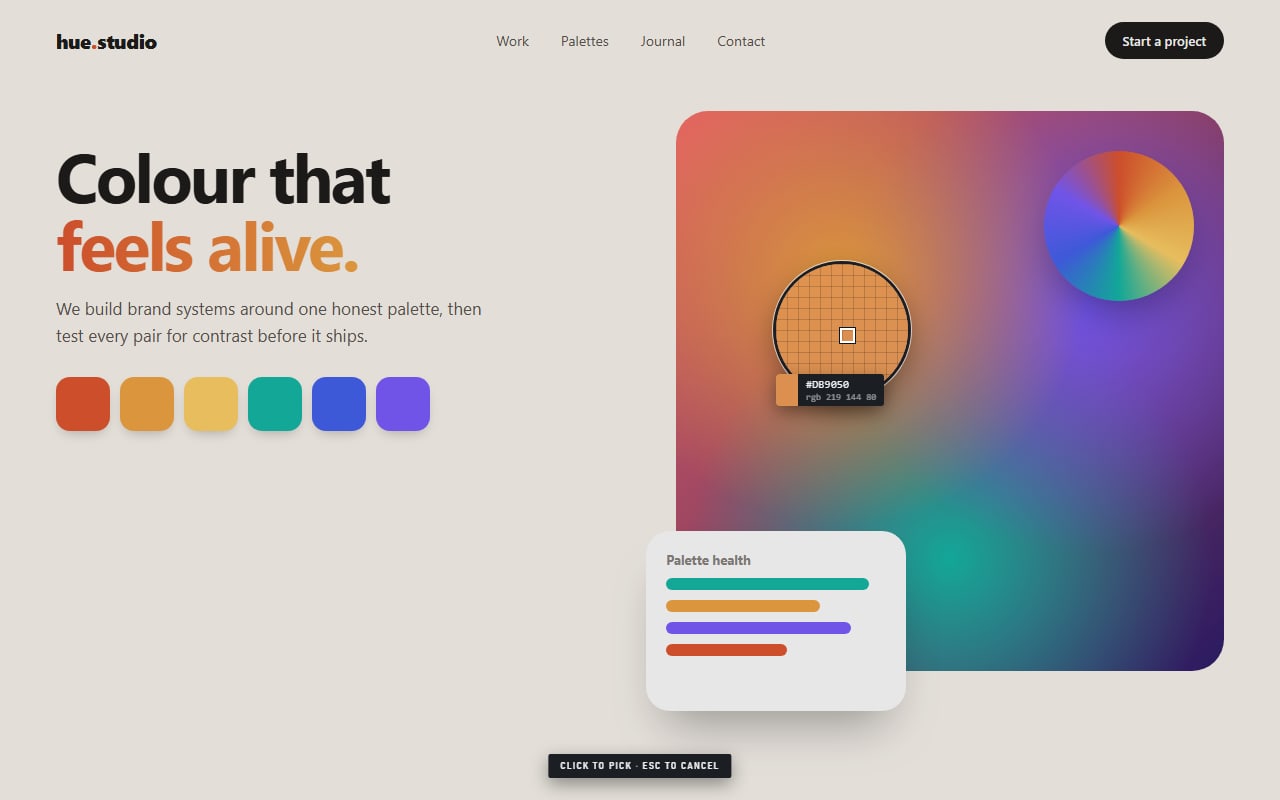
Loupe is a color picker for people who care what the value actually is. Magnify the page, click the pixel you meant, and get it as HEX, RGB, HSL, OKLCH or CMYK with its contrast already checked.
- ✓ No tracking
- ✓ No network requests
- ✓ Works on images & video
- ✓ Free
How it works
Pick, read, paste. Done.
- 01
Press Alt+Shift+P
Or click the toolbar button and choose Pick on page. A magnifier opens over the page.
- 02
Hover and click
Glide over anything: text, photos, a video frame. The readout shows the exact value under the crosshair.
- 03
Paste it anywhere
The HEX is already copied. Open the popup for RGB, HSL, OKLCH, CMYK, contrast grades and your history.
See it in action
From pixel to clipboard in two seconds
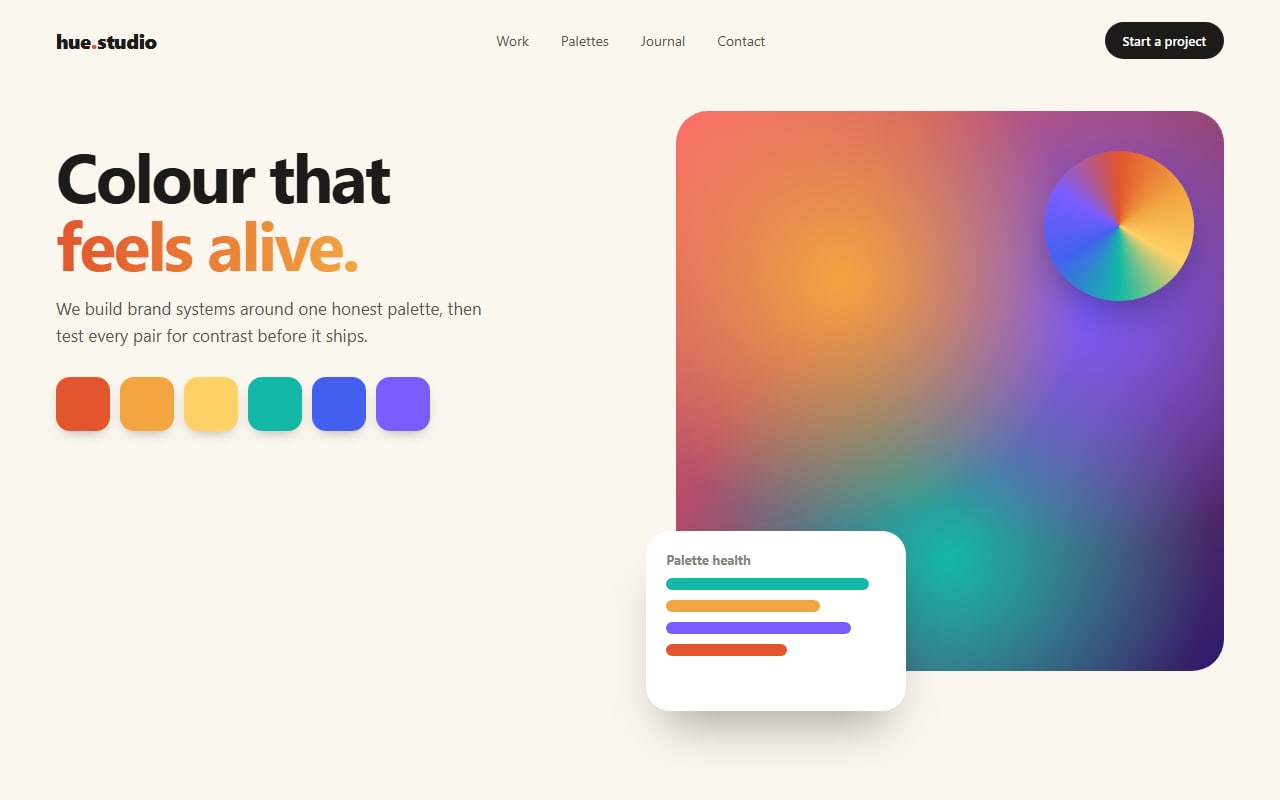
An interactive walkthrough built from the real extension. Use the chapters to jump around.
Features
Small tool, serious accuracy
A magnifier with a pixel grid
See individual pixels before you click, so you sample the exact one you meant, not the one next to it.
Reads what's on screen
Loupe samples the rendered page, so it works on images, video frames, canvas, gradients, SVG and embedded iframes.
Every format, one click
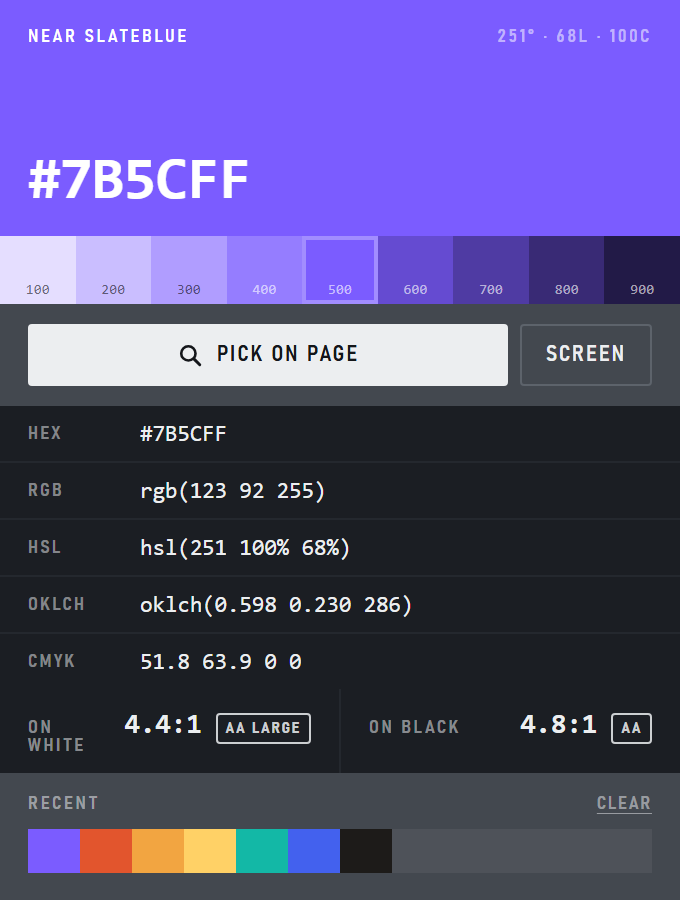
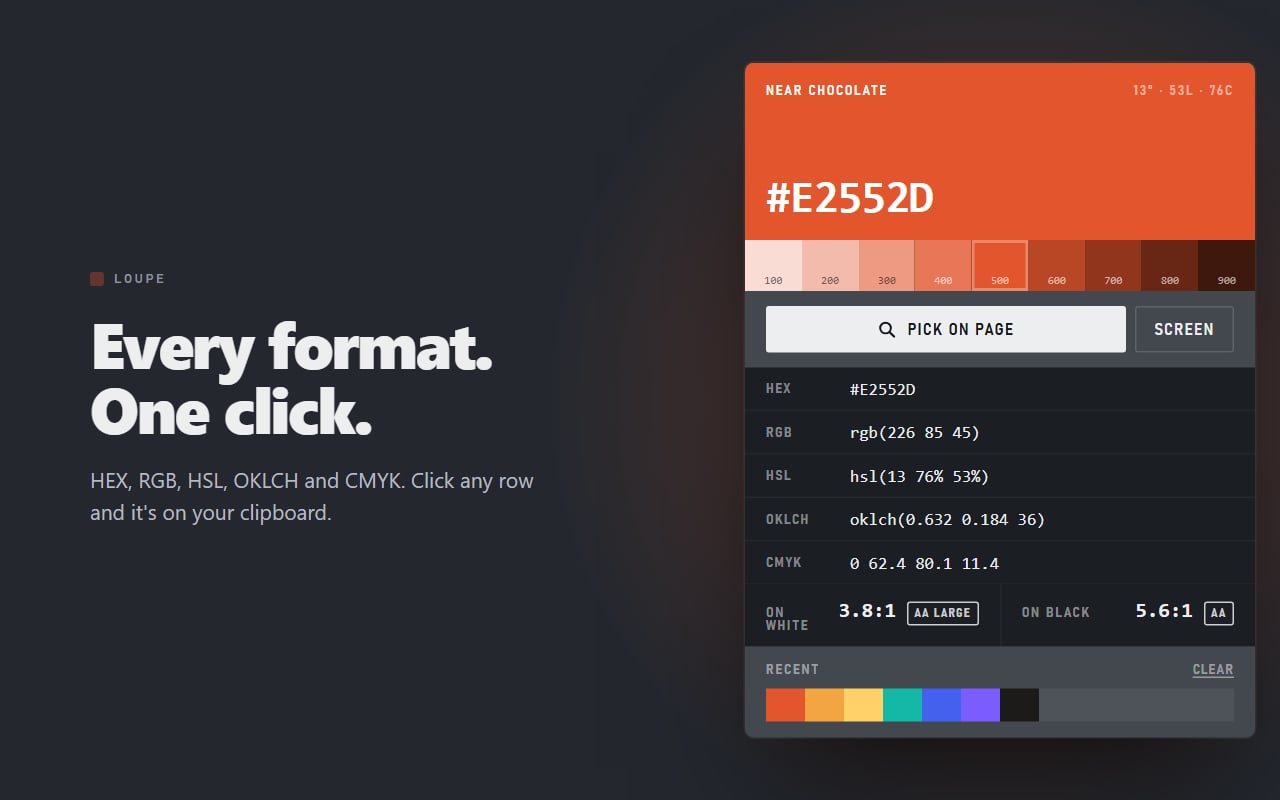
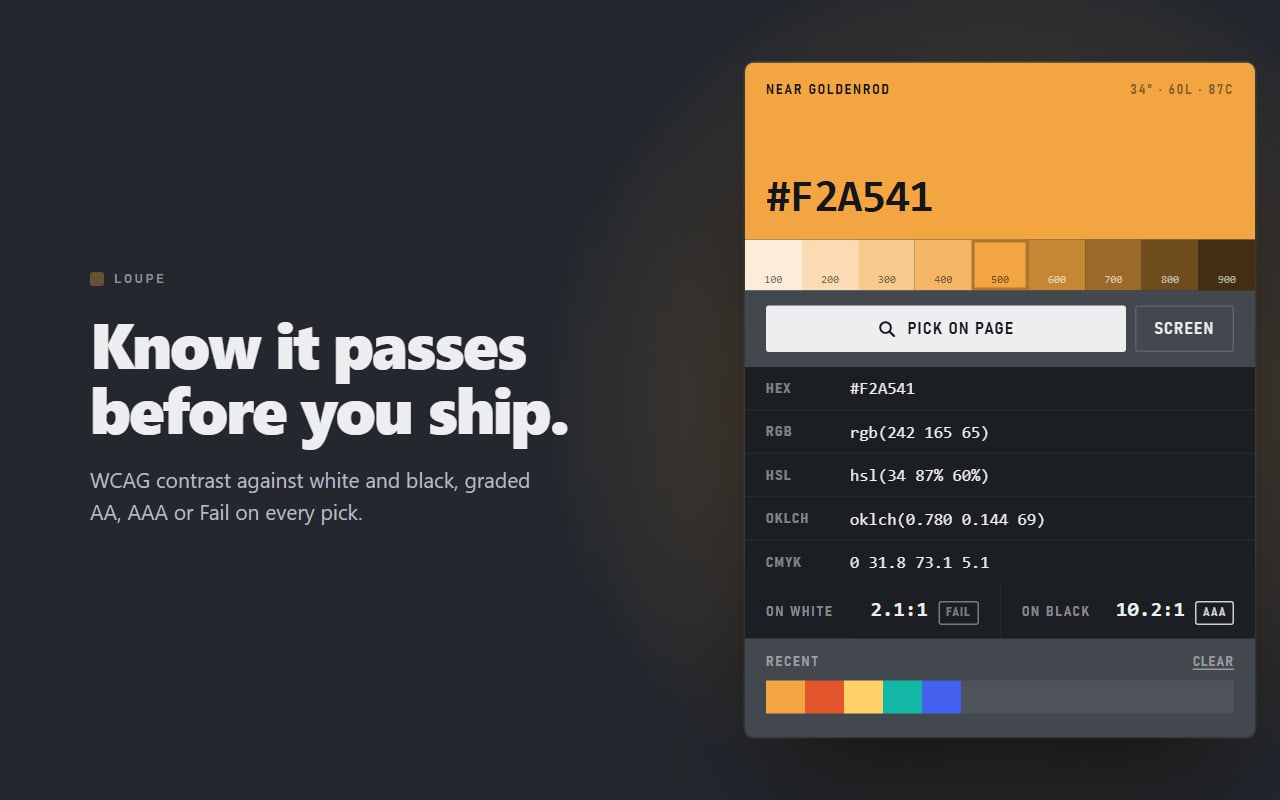
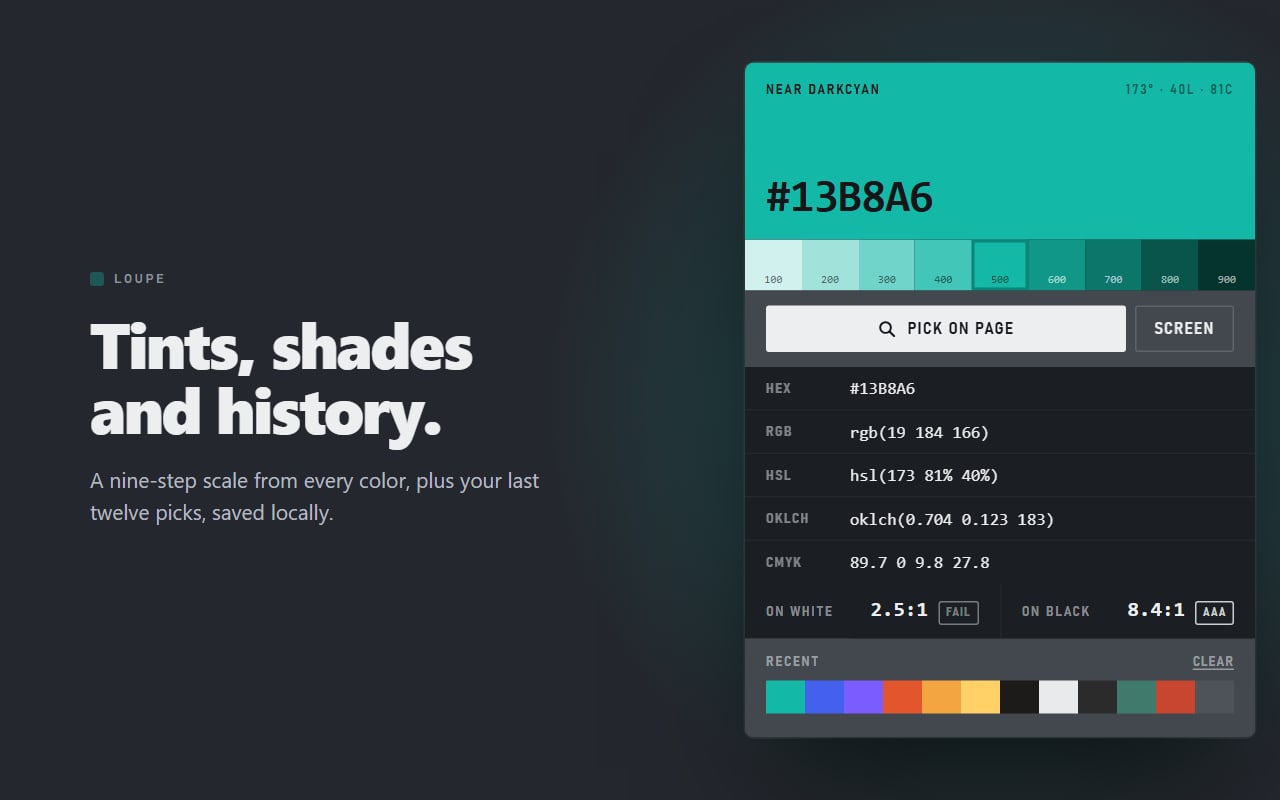
HEX, RGB, HSL, OKLCH and CMYK. Click any row and it's on your clipboard.
WCAG contrast, graded
Contrast against white and black on every pick, marked AA, AAA or Fail, so you know if text on it will pass.
Tints and shades
A nine-step scale from light to dark for every colour. Click a step to make it the active colour.
Alt+Shift+P
Pick without opening the popup. The colour lands on your clipboard straight away. Or use Screen to pick outside the browser.
Screenshots
Every feature, up close
On the Chrome Web Store
Loved by its first users
- Installs from the Chrome Web Store
- 80+
- Average rating
- 5.0★★★★★★★★★★
- Ratings
- 6
- ★★★★★★★★★★
“Really useful and simple color picker extension! I especially like that it shows the color in different formats like HEX and other color values. It’s free and very handy for developers and designers.”
Alveena Noor · Aug 25, 2026
- ★★★★★★★★★★
“Really useful extension for quickly grabbing colors from a webpage. It’s simple, fast, and the different color formats are a nice touch.”
Muhammad Usman Khan · Aug 24, 2026
- ★★★★★★★★★★
“Loupe is a really handy little color picker. It’s quick, easy to use, and I like that it supports HEX, RGB, HSL, and OKLCH. Great for anyone working with colors regularly!”
Junaid Abbasi · Aug 24, 2026
- ★★★★★★★★★★
“Great!!!”
Afan Saeed · Aug 24, 2026
- ★★★★★★★★★★
“I’ve been looking for an extension like this for quite some time, and I’m so glad I finally found it . Simple, fast, and really useful! Makes picking colors from any webpage super easy. highly recommended! 🎨”
Nasir Nazir · Aug 24, 2026
- ★★★★★★★★★★
“Finally, one that just works! Does exactly what I need.picks colours from the page and anywhere else on my screen, which somehow most extensions can't do. The zoom view makes hitting the right pixel actually easy. Copies to hex in one click. Been using it daily.”
faizan Ahmed · Aug 24, 2026
Private by design
Loupe collects nothing. Not even a little.
No accounts, no analytics, no telemetry and no network requests of any kind. Loupe holds no standing access to any website: it can only see a tab at the moment you invoke it there.
Read the privacy policy →- Data collected
- None
- Network requests
- None
- Site access
- Only the tab you invoke it on
- Colour history
- On your computer
- Permissions
- activeTab, scripting, storage
Questions
Why is the interface grey?+
On purpose. A mid-neutral surround is what print proofing booths use: a dark background makes a colour look lighter than it is and a light one makes it look darker. The only colour in Loupe is the one you picked.
Can it pick colours outside Chrome?+
Yes. The Screen button uses Chrome's native eyedropper, which reaches anywhere on your display.
Does Loupe see my browsing?+
No. It has no access to any site until you invoke it on a tab. It takes one image of that tab to read the pixel under your cursor, keeps it in memory for that pick only, and throws it away.
Where is my colour history kept?+
On your computer, in Chrome's local storage. It is never synced or uploaded. Clear it from the popup or remove the extension to delete it.
Is it free?+
Yes. No account, no upsell, no ads.
Read the Loupe Privacy Policy.